Creating a productive and comfortable home office is essential for anyone working remotely or managing tasks from home. A well-designed workspace can improve focus, reduce stress, and boost overall efficiency. Whether you have a dedicated room or a small corner, these tips will help you transform your space into an inviting and efficient home office.
Choose the Right Location
Find a Quiet Spot
Select an area in your home where you can work with minimal distractions. Avoid high-traffic zones like the kitchen or living room if possible. A quiet corner or spare room can provide the peace you need to concentrate.
Consider Natural Light
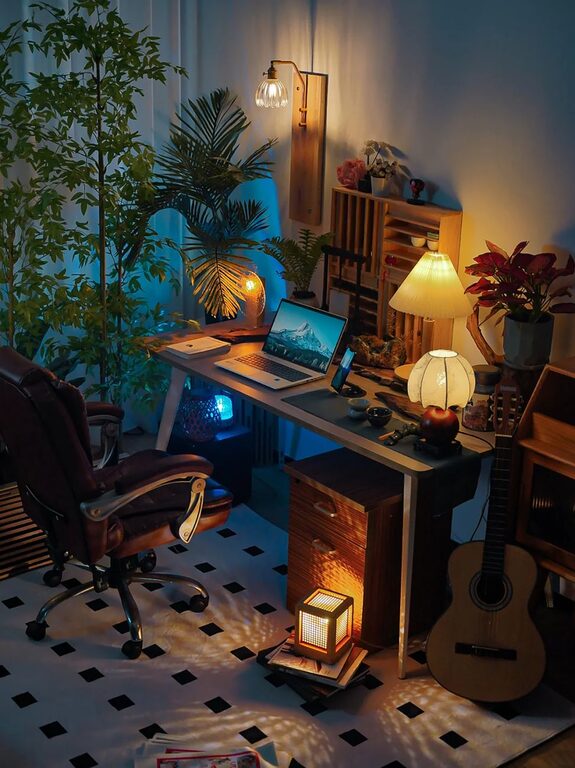
Natural light helps improve mood and alertness. Position your desk near a window to take advantage of daylight. If natural light is limited, use soft, warm artificial lighting to reduce eye strain.
Invest in a Comfortable Chair and Desk
Ergonomic Chair
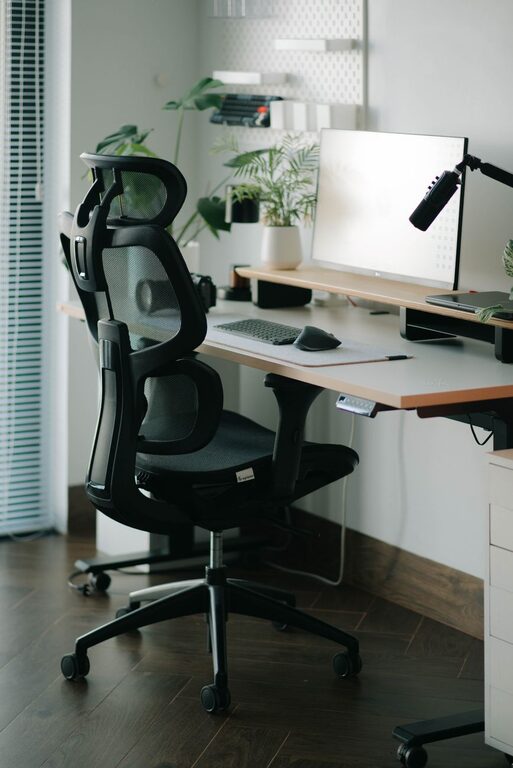
Spending long hours working means a supportive chair is a must-have. Look for an ergonomic chair that supports your lower back, encourages good posture, and is adjustable to your height.
Desk Size and Height
Your desk should be spacious enough to hold your computer, documents, and other essentials without feeling cluttered. The height should allow your forearms to rest comfortably at a 90-degree angle while typing.
Organize Your Space Effectively
Declutter Regularly
A tidy desk can help clear your mind. Keep only necessary items on your workspace and store the rest elsewhere. Regularly clean and organize your office to maintain a productive environment.
Use Storage Solutions
Invest in shelves, filing cabinets, or storage bins to keep documents and supplies organized. Label storage containers to quickly locate items and prevent unnecessary searching.
Personalize Your Workspace
Add Greenery
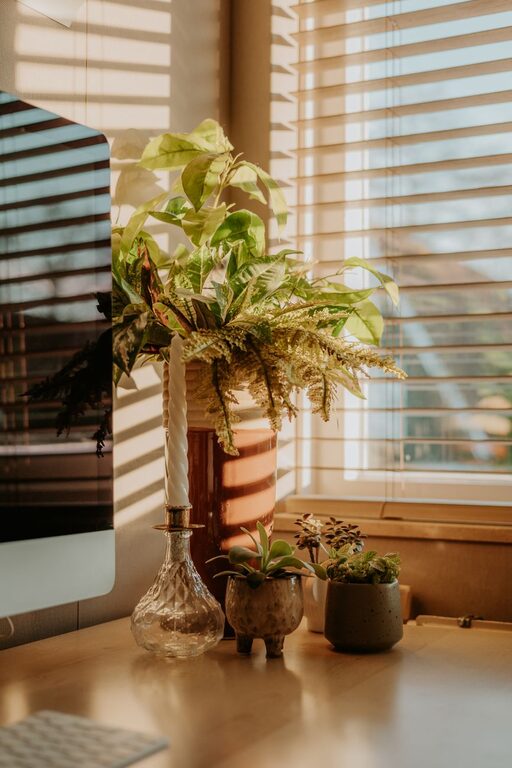
Plants can boost creativity and reduce stress. Place a small potted plant or two on your desk or nearby shelves to bring life to your workspace.
Decorate Mindfully
Choose artwork, photos, or motivational quotes that inspire you without overwhelming the space. Keep decorations simple and meaningful to maintain focus.
Optimize Technology Setup
Reliable Internet and Equipment
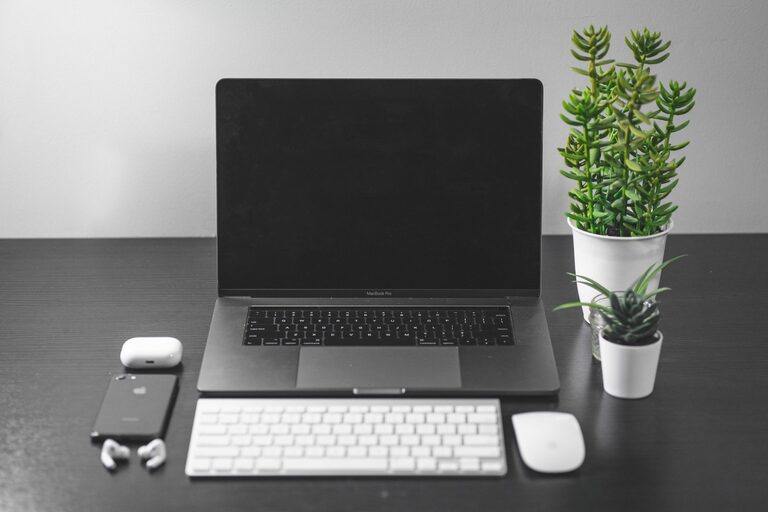
Ensure your internet connection is strong and stable to avoid interruptions. Use reliable hardware like a good-quality monitor, keyboard, and mouse to improve comfort and efficiency.
Cable Management
Messy cables can be distracting. Use cable organizers or clips to keep cords neat and out of sight. This also reduces the risk of tripping or unplugging devices accidentally.
Create a Routine and Boundaries
Set Work Hours
Define your working hours to establish a clear boundary between work and personal time. This helps maintain work-life balance and prevents burnout.
Take Breaks
Incorporate short breaks during work hours to stretch, walk, or rest your eyes. Regular breaks improve focus and prevent fatigue.
Pay Attention to Temperature and Noise
Comfortable Temperature
Keep your home office at a comfortable temperature to avoid distraction. Use a fan or heater as needed to maintain an ideal climate.
Manage Noise
If noise is a concern, consider noise-canceling headphones or a white noise machine. Soft background music can also help some people concentrate.
Enhance Air Quality
Good ventilation or an air purifier can improve air quality, contributing to better concentration and overall health. Open windows when possible or add air-purifying plants to your space.
Final Thoughts
Designing a productive and comfortable home office doesn’t require a perfect or expensive setup. Prioritize comfort, organization, and personalization to create a space that supports your work style. With these tips, you can enjoy a home office that keeps you motivated and efficient every day.

Related Posts